
Our Blog




Essential Travel Apps Every Traveler Needs
Essential Travel Apps Every Traveler Needs
Smartphones have become an essential part of modern travel. They are no longer used only for communication and taking photos; they can also help travelers plan trips, book flights and hotels, find attractions, navigate unfamiliar cities, translate languages, track expenses, and organize important travel information.
With hundreds of travel-related apps available today, knowing which ones are actually worth downloading can be difficult. Instead of filling your phone with dozens of apps, it is better to choose a small collection that covers your most important travel needs.
In this guide, we explore the essential travel apps every traveler needs, from the planning stage to the journey itself and even after returning home.
Why Do You Need Travel Apps?
Travel apps can make your trip more organized, convenient, and flexible. They can save time and make it easier to handle many common travel situations.
Some of their main benefits include:
- Accessing important information quickly.
- Booking flights and accommodation.
- Finding directions and transportation.
- Translating words and phrases.
- Checking currency exchange rates.
- Organizing your itinerary.
- Finding restaurants and attractions.
- Keeping reservations and tickets in one place.
- Receiving important travel alerts.
However, you should not rely entirely on your phone, especially if you lose internet access or your battery runs out. Keep offline copies of important documents and reservations whenever possible.
1. Maps and Navigation Apps
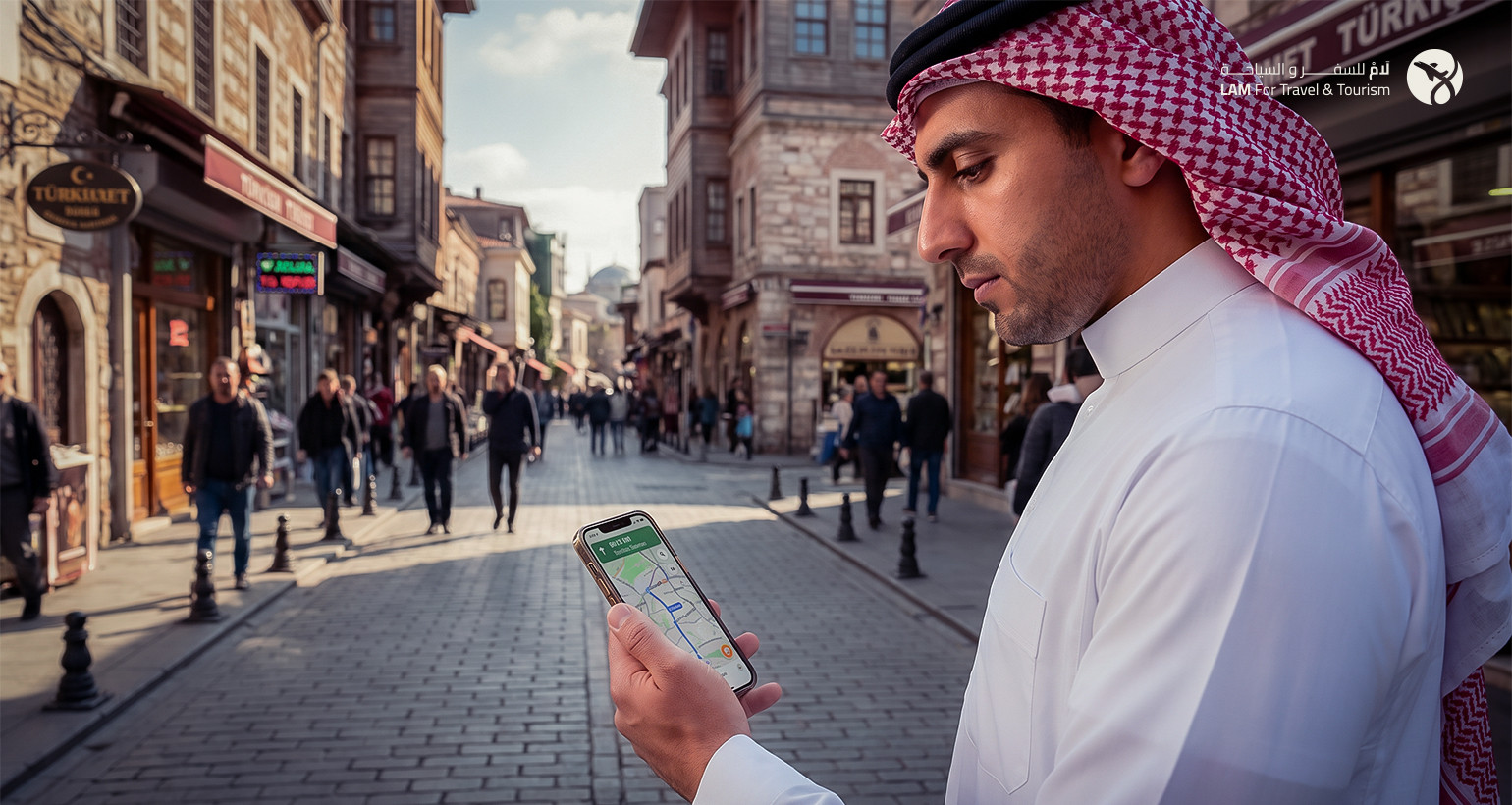
Maps and navigation apps are among the most important tools for travelers, whether you are visiting a city for the first time or exploring a destination you already know.
They can help you:
- Find your hotel.
- Locate tourist attractions.
- Search for restaurants and cafés.
- Check distances and travel times.
- Find suitable transportation.
- Get walking or driving directions.
Before your trip, consider downloading offline maps for the areas you plan to visit if your chosen app supports this feature.
Suggested Image Data:
File Name: travel-map-navigation-app.jpg
Alt Text: Travel map and navigation app helping a traveler get around
Caption: Navigation apps help travelers find hotels, attractions, and directions with ease.
AI Prompt: Traveler using a smartphone navigation app while walking through a beautiful European city, map interface visible but without logos, suitcase beside the traveler, realistic professional travel photography, natural daylight
2. Flight Booking and Airline Apps
Airline and flight-booking apps make it easier to search for flights, manage reservations, and keep track of your travel details.
They can help you:
- Search for flights.
- Compare flight schedules.
- Track flight status.
- Access digital boarding passes.
- Check departure gates.
- Receive notifications about schedule changes.
- Manage available booking options.
It is a good idea to keep your flight details inside the app while also saving a copy of your ticket or booking reference somewhere else.
3. Hotel Booking Apps
Hotel booking apps allow travelers to compare accommodation options and choose hotels based on location, price, reviews, and available facilities.
When using these apps, do not focus only on the price. Check:
- Hotel location.
- Guest reviews.
- Room type.
- Available facilities.
- Cancellation policy.
- Taxes and additional fees.
- Check-in and check-out times.
Always verify the hotel's full address, especially if you expect to arrive late at night.
4. Translation Apps
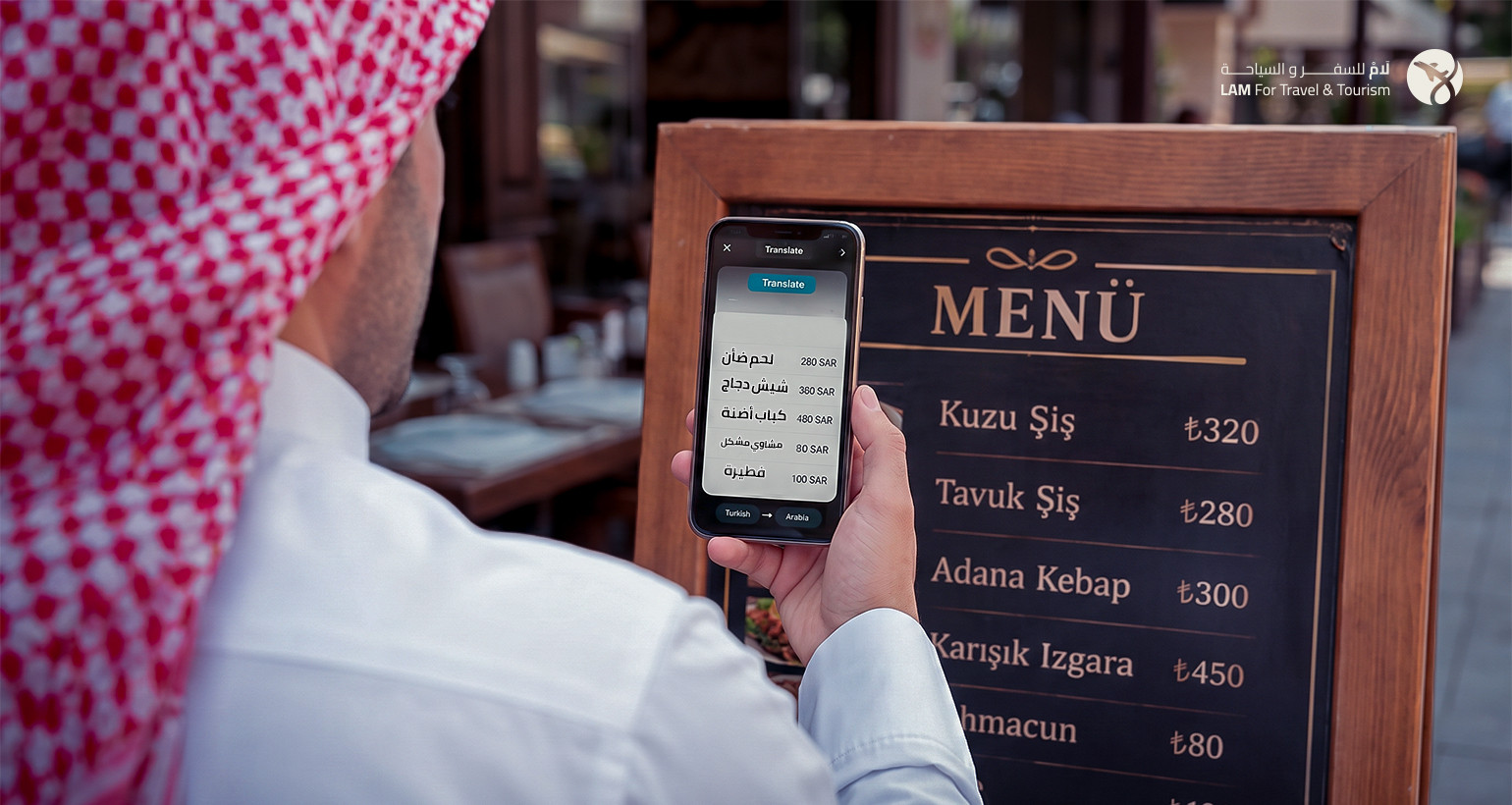
Language barriers can be one of the biggest challenges when traveling, especially in countries where English is not widely spoken.
Translation apps can help you:
- Translate words and sentences.
- Communicate in restaurants.
- Read signs.
- Understand instructions.
- Communicate with hotel staff.
- Translate text from images in some apps.
If possible, download the required language in advance so that you can use the translation service even without an internet connection.
5. Currency Converter Apps
When traveling to a country that uses a different currency, it can be difficult to quickly understand how much things actually cost.
Currency converter apps can help you:
- Check the value of the local currency.
- Compare prices with your home currency.
- Calculate shopping costs.
- Estimate your travel budget.
- Avoid overspending because of unfamiliar exchange rates.
Update exchange rates before traveling, but remember that the rate shown in an app may differ from the actual rate you receive when exchanging money or making a payment.
6. Weather Apps
Checking the weather before and during your trip can help you choose appropriate clothing and activities.
Weather apps can provide information about:
- Temperature.
- Chance of rain.
- Wind speed.
- Humidity.
- Forecasts for upcoming days.
Do not rely too heavily on long-range forecasts, as weather predictions generally become more accurate as the travel date approaches.
7. Travel Itinerary Apps
If your trip includes several cities, flights, hotel reservations, and activities, an itinerary app can help keep everything organized in one place.
You can use these apps to store:
- Flight schedules.
- Hotel reservations.
- Activities.
- Addresses.
- Visiting times.
- Travel notes.
This makes it easier to access your plans instead of searching through emails, messages, and different booking platforms.
8. Local Transportation Apps
Transportation systems vary from one destination to another, and finding the best way to get somewhere can sometimes be confusing.
Local transportation and ride-hailing apps can help you:
- Book a car.
- Check the estimated fare.
- Track your driver.
- Navigate public transportation.
- Check train and bus schedules.
- Find the fastest route.
Before using a transportation service, check the price, payment method, and exact meeting point with the driver.
9. Restaurant and Attraction Review Apps
Finding a good restaurant or choosing a worthwhile attraction can be easier with review and map apps.
You can use them to search for:
- Nearby restaurants.
- Cafés.
- Tourist attractions.
- Activities.
- Traveler reviews.
- Visitor photos.
- Opening hours.
It is better to read several recent reviews rather than relying on a single rating, since service quality and opening hours can change.
10. Apps for Storing Documents and Reservations
Keeping your important travel documents easily accessible is essential.
You can store digital copies of:
- Passport.
- Visa.
- Flight tickets.
- Hotel reservations.
- Travel insurance.
- Activity bookings.
- Important contact information.
It is best to keep important documents available offline as well, because you may need them in places with limited or no internet access.
Protect these files carefully and avoid sharing sensitive documents with people you do not trust.
11. Cloud Storage Apps
During a trip, you may need to access a document or photo that is stored on another device.
Cloud storage services allow you to keep copies of important files and access them from multiple devices.
They can be useful for storing:
- Passport copies.
- Travel reservations.
- Documents.
- Photos.
- Itineraries.
However, do not rely entirely on cloud storage. Keep an offline copy of essential documents as well.
12. Travel Expense and Budget Apps
Expense-management apps help travelers keep track of how much they spend during a trip.
You can record:
- Hotel costs.
- Food.
- Transportation.
- Activities.
- Shopping.
- Entrance fees.
- Daily expenses.
You can also organize expenses by category to see where your travel budget is going.
These apps can be especially useful for long trips or vacations that include several destinations.
13. Communication Apps
Staying connected with family and friends while traveling is important, especially during longer trips.
Make sure you have apps that allow you to:
- Make voice calls.
- Make video calls.
- Send messages.
- Share your location when necessary.
Before traveling, check your internet options and research suitable SIM card or eSIM options for your destination.
14. Activity and Tour Booking Apps
If you want to experience different activities during your trip, activity and tour-booking platforms can help you find and reserve experiences in advance.
Depending on the destination, you may find:
- Guided tours.
- Day trips.
- Children's activities.
- Food experiences.
- Sports activities.
- Attraction tickets.
- Cultural experiences.
Before booking, check cancellation policies, reviews, meeting points, times, and any age or physical requirements.
How to Choose the Right Travel Apps
You do not need to download dozens of apps before every trip. Choose the ones that actually match your needs and destination.
You can organize your essential apps into five main categories:
| Need | App Type |
| Navigation | Maps and transportation |
| Booking | Flights and hotels |
| Communication | Translation and messaging |
| Money | Currency conversion and budgeting |
| Organization | Itinerary and reservation storage |
For a trip to an unfamiliar destination, make sure you have a reliable map, a translation tool, a way to store reservations, and a currency converter.
Important Tips Before Traveling
Download Apps Before Leaving Home
Do not wait until you arrive at the airport or destination to download important apps, especially if internet access may be limited.
Sign In to Your Accounts in Advance
Make sure you can access your accounts before traveling, especially apps containing bookings or tickets.
Enable Offline Maps
If your navigation app supports offline maps, download the relevant destination before departure.
Save Important Information
Keep booking references, addresses, and essential contact details somewhere that you can access without an internet connection.
Keep Your Phone Charged
Carry a suitable charger and a portable power bank, especially during long sightseeing days.
Do Not Depend on One App
Having alternatives for essential services such as maps and translation can be helpful if an app stops working or internet access becomes unavailable.
Which Apps Do You Need Before, During, and After Your Trip?
Before the Trip
Use travel apps to:
- Compare flights.
- Book accommodation.
- Plan your itinerary.
- Check the weather.
- Convert currencies.
- Reserve activities.
During the Trip
You will most likely need:
- Maps.
- Translation.
- Transportation.
- Weather information.
- Restaurant reviews.
- Expense tracking.
After Returning Home
Cloud storage and photo-management apps can help you organize your travel photos and keep important documents safely stored.
Do You Need Internet to Use Travel Apps?
Not always.
Some apps offer offline features, such as previously downloaded maps, offline translation tools, and stored documents.
However, many services require an internet connection, including:
- Real-time flight tracking.
- Ride-hailing.
- New bookings.
- Updated weather information.
- Messaging.
- Some translation features.
For this reason, plan ahead and know which apps will continue working if you lose internet access.
Conclusion
Travel apps have become some of the most useful tools for modern travelers. A small collection of carefully selected apps can help you plan your trip, book flights and hotels, navigate unfamiliar cities, translate languages, convert currencies, and manage your travel expenses.
However, you do not need to download dozens of apps. Choose the ones that match your destination and travel style, download important information in advance,